













Now live: a smarter way to manage, share and sign your company documents – with powerful AI integration on the horizon
As your company grows, so does your paperwork – new hire contracts, advisor agreements, pitch decks, investor updates an...


Already have an account? Log in
SeedLegals is here to make the day-to-day of running your company easier – especially when it comes to creating documents, getting them signed and generally taking admin off your to-do list.
We’ve made an important change to how signing works for files uploaded to My Documents. It removes a piece of friction that was getting in the way.
Here’s what’s changed, how it works and why we prioritised this update on our roadmap.
Until now, when you uploaded a document to SeedLegals to get it signed, it always required exactly two signatures.
In practice, that doesn’t always reflect the range of documents people need and what they are used for. Some only need one person to sign. Others need many more.
When that didn’t line up, it meant adding an extra step or using a workaround to get everything completed.
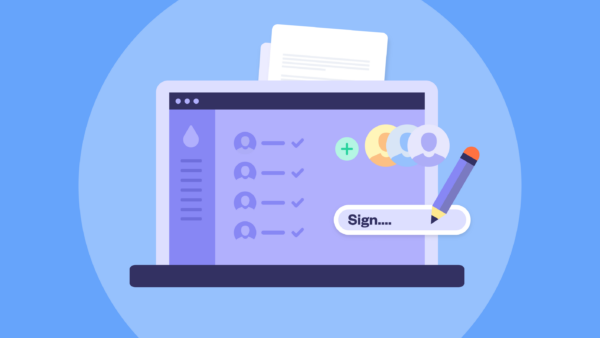
We know that caused frustrating extra steps that slowed you down. That’s why now you can set the number of signatories yourself, whether that’s one, two or more.
Some documents are simple. A board resolution, for example, might only need a single director to sign it.
Now, you can upload the document, add one signatory and get it signed.
Other documents involve more people – like shareholder agreements or approvals that need input from several parties.
You can now add as many signatories as you need, each with their own name and email, and manage the whole process in one place.
No need to send it around separately or manage signatures outside the platform.
Each person is notified, signs in their own time and you can track progress as you go.
Everything stays in your My Documents view, so you always know where things stand.
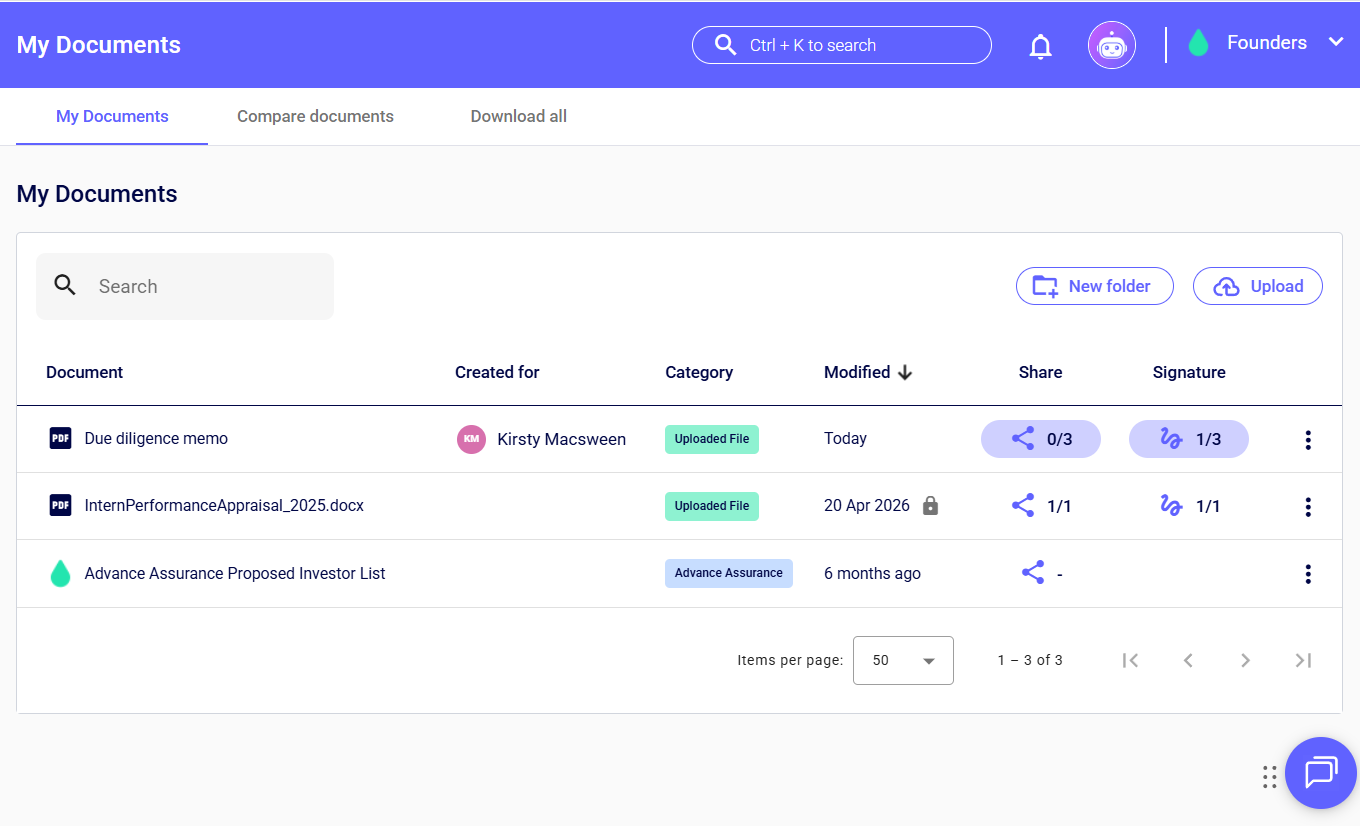
My Documents is your workspace for everything your company needs to keep track of. You can upload any file, organise it into folders, share it with the right people (whether that’s your team, board or investors), and get documents signed – all in one place.
That means no more switching between tools or digging through scattered folders. Everything is stored, shared and tracked together, so you can find what you need and keep things moving.
Already using My Documents? Log in and play around – this update is already live. The next time you upload something to be signed, you’ll be able to add as many (or as few) signatories as you need.
Want a closer look? Book a demo with the team and we’ll show you how SeedLegals can help you get documents signed, manage your cap table, run your next funding round more smoothly and much, much more.



As your company grows, so does your paperwork – new hire contracts, advisor agreements, pitch decks, investor updates an...

🎉Introducing Lawrence, our new AI chatbot, now in beta for Plus and Options subscribers with admin access. Lawrence is t...

The founder's guide to creating and managing a startup board. Responsibilities, what to pay and how to ace the admin.